Family Tree template and how do you create one
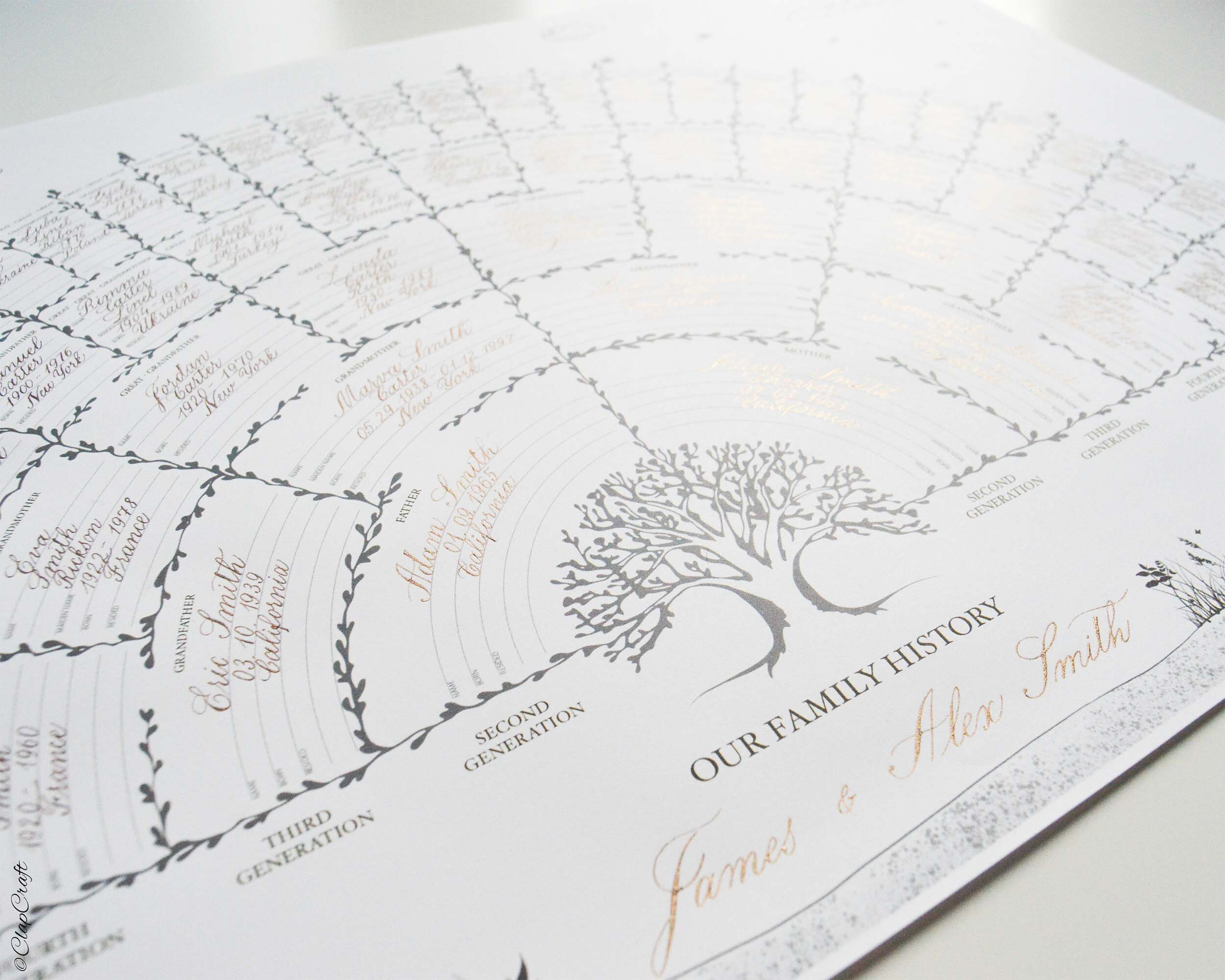
If you are interested in your genealogy and have gathered information on your ancestors, a good place to put all the data together is to create a family tree template.
A family tree chart visualizes a person’s genealogy, tracing back all the known generations. The usual count goes up to 5 – 6 generations. This diagram is commonly presented in a tree structure, starting with one individual or a couple at the bottom. If you create a genealogy chart for a couple, you may place the couple’s kids below. From the bottom, the lines go up representing branches and form boxes to put the information. Each box may include first and last name, dates, and place of birth, and other memorable dates you wish to have.
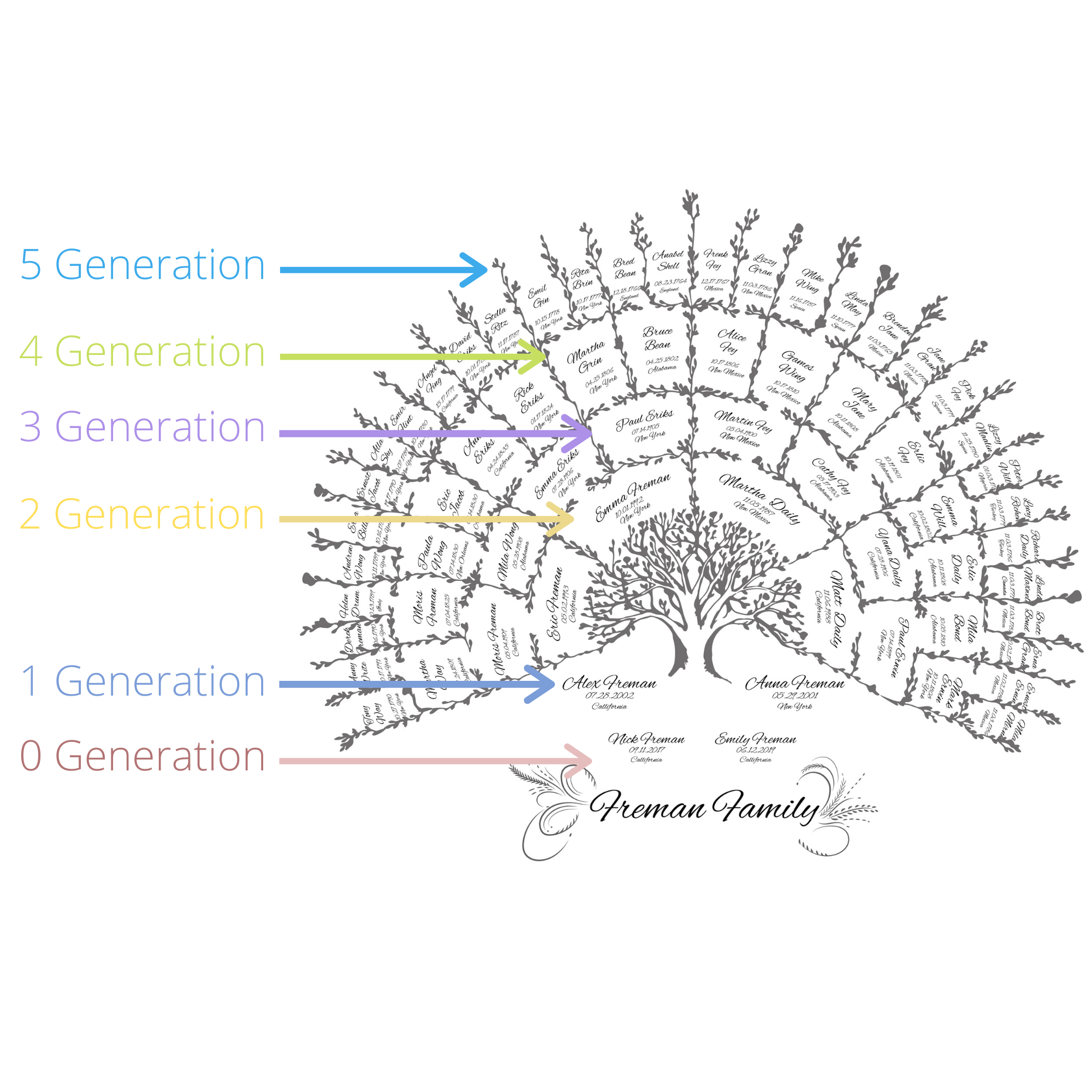
A family tree template layout example as shown in a Monochrome Family Tree Template
A family tree chart is a precious piece of art. Not only does it make it easy to record the people, places, and events that make up your family history, but moreover, you can share it with relatives and the next generation.
Why would you create a Family Tree?
If you are even a little bit interested in your ancestry (and who wouldn’t have?) and want to gain some insight into where you came from, you would like to create a genealogy chart.
A few reasons why you would want to create a family tree:
Connects you to your heritage;
It helps you trace genetics;
Teaches you a family history about historical events;
Educates your children on their roots and helps to preserve family stories.
How do you create a Family Tree template?
1. Gather information about your relatives
Write down what you know and ask your family members to fill in the gaps. Visit online tools such as ancestry.com to search for records and other documents that can verify your ancestry.
2. Collect all the data in one file
Compile all of the information you have and share it with relatives. They will maybe find some missing info and could readily update the file. Moreover, digital file keeping is much more convenient.
3. Draft a family tree template outline
You can draw your family tree chart as simple as you like, or you can use a custom Family Tree template.
For some inspiration check out our Family Tree templates!